The Best Interview Scheduling Software for Research Teams in 2026
Jun 3, 2026

Most interview scheduling software was built for HR teams coordinating job candidates through applicant tracking systems. Research teams have different requirements: recruiting from panels like Prolific, scheduling across time zones for global studies, and connecting sessions to moderation and synthesis workflows.
This guide covers what to look for in scheduling tools built for research, how the leading options compare, and how to evaluate whether your team needs a standalone scheduler or a platform that unifies the entire research workflow.
What is interview scheduling software
Interview scheduling software automates calendar coordination, participant self-service booking, and session management. Most tools in this category were built for HR teams—syncing with applicant tracking systems, managing candidate pipelines, and coordinating multi-interviewer panels for job openings.
Research teams operate differently. You're coordinating with consumers, B2B professionals, or hard-to-reach audiences across time zones. The sessions themselves vary too: IDIs, usability tests, concept tests, diary studies. Most recruiting-focused schedulers weren't designed for any of that.
How research interview scheduling differs from recruiting scheduling
When a recruiting tool promises "zero-click scheduling," it typically means syncing with Workday or Greenhouse. For research teams, the equivalent would be pulling participants directly from Prolific or User Interviews without manual data entry—a capability most HR-focused schedulers don't offer.
Dimension | Recruiting scheduling | Research scheduling |
|---|---|---|
Participants | Job candidates in a pipeline | Consumers, users, B2B professionals from panels |
Session types | Standardized interview rounds | IDIs, usability tests, diary studies, concept tests |
Integrations needed | ATS (Greenhouse, Lever) | Research panels (Prolific, User Interviews, Respondent) |
Moderator context | Hiring criteria | Research guide, probing logic |
Follow-up | Offer/rejection workflow | Analysis, synthesis, reports |
The distinction matters because choosing the wrong tool means manual workarounds at every step—copying participant details between systems, juggling calendar links, and stitching together disconnected data.
Do research teams need dedicated interview scheduling software
Whether you need purpose-built scheduling software depends on how your team operates. A few decision points can help clarify:
Volume: Teams running occasional ad-hoc sessions may get by with calendar links. Teams running dozens of sessions per month benefit from automation.
Participant source: If you recruit from panels, native integrations eliminate manual data transfer.
Session complexity: Longitudinal studies, multi-round sessions, and international time zones demand specialized tooling.
Analysis downstream: Scheduling that connects directly to moderation and synthesis saves hours of context-switching.
Platforms like Outset unify scheduling with recruiting and moderation, so the entire research workflow lives in one place rather than scattered across disconnected tools.
Key features to look for in interview scheduling tools
Not every feature matters equally for research teams. Here's what to prioritize.
Participant self-scheduling
Self-service booking pages let participants pick available slots on their own time. This reduces email back-and-forth and cuts no-show rates by over 40% compared to agent-scheduled sessions. The best tools allow participants to reschedule within researcher-defined buffer rules—flexibility that respects your timeline while accommodating real-world constraints.
Calendar and video conferencing integrations
Bidirectional sync with Google Calendar, Outlook, and video tools like Zoom or Teams keeps availability accurate across all connected systems. Sessions auto-populate with the correct meeting links, so neither you nor participants have to hunt for join information.
Automated reminders and no-show reduction
No-shows in research waste screener costs and delay timelines—42.3% of missed appointments stem from forgetting. Automated reminders via email, SMS, and calendar notifications—sent in the participant's local time zone—prompt attendance without manual follow-up.
Time zone intelligence
For global research spanning multiple countries, scheduling software detects participant time zones and displays slots correctly. Manual time zone math introduces errors and frustrates participants, especially for enterprise teams running studies across markets simultaneously.
Panel and multi-round scheduling for longitudinal studies
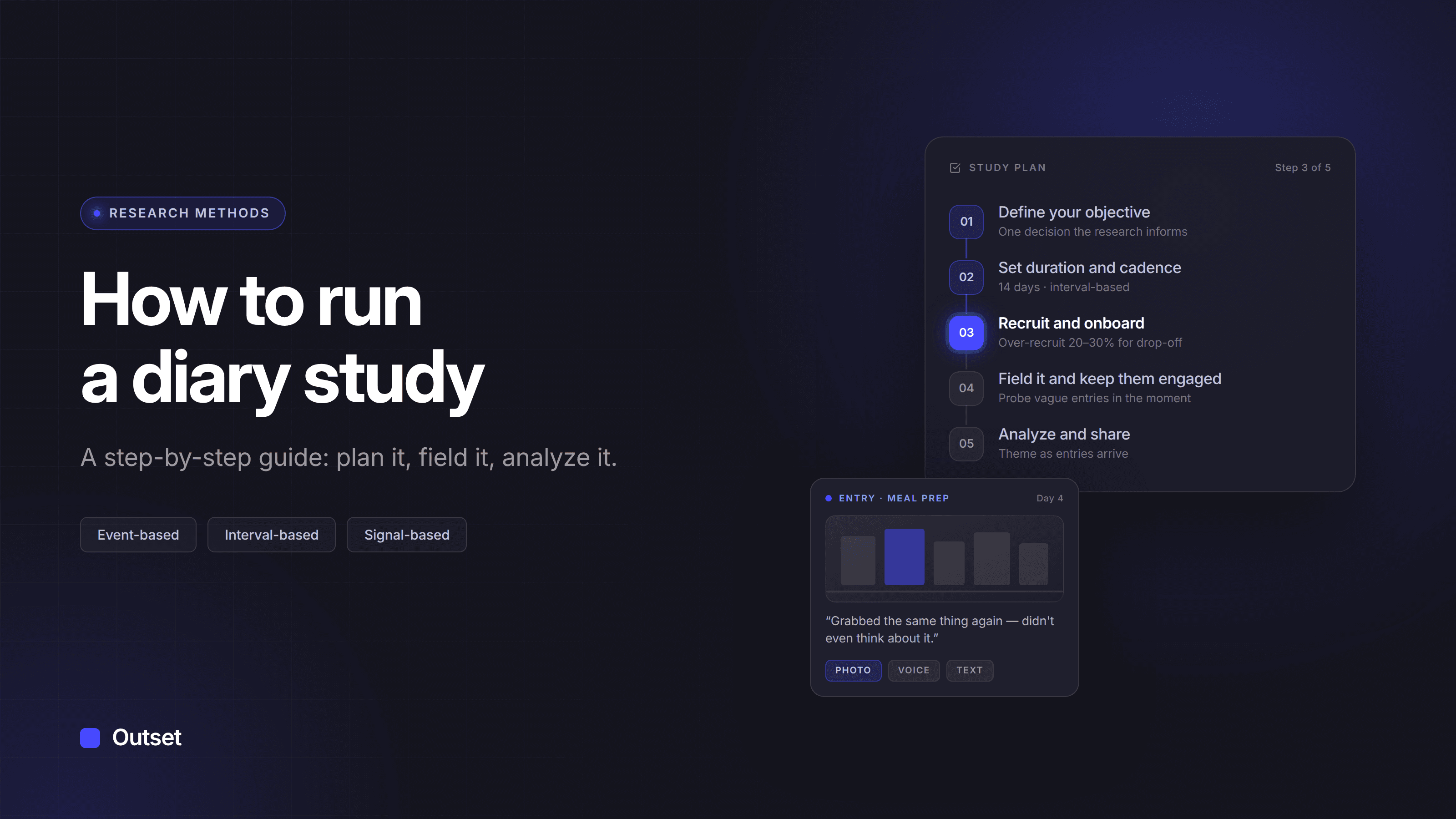
Diary studies and longitudinal research require scheduling the same participants across multiple rounds over days or weeks. Round-by-round automated invites and participant reminders are essential for cohort tracking. Without this capability, researchers spend hours on manual coordination that could go toward analysis.
Native recruiting panel integrations
Research scheduling tools connect directly to research panels like Prolific, User Interviews, and Respondent. This eliminates manual transfer of participant details and reduces errors. Outset's native panel integrations, for example, let researchers move from criteria to scheduled session without leaving the platform.
Security and compliance for participant data
Research participants share personal information, and scheduling tools handle that data. Enterprise teams typically require SOC 2, GDPR, and HIPAA compliance depending on the research context—noncompliance costs 2.71× more than compliance. Verify certifications before selecting a vendor—especially for studies involving sensitive populations.
The best interview scheduling software for research teams
The tools below are evaluated specifically for research use cases, not HR recruiting. Some are general-purpose schedulers that can be adapted for research; others are purpose-built research platforms with scheduling embedded.
Outset
Outset is the professional-grade choice for teams that want scheduling, recruiting, moderation, and synthesis unified in one platform. Native integrations with Prolific, User Interviews, and Respondent mean participants flow directly into studies without manual data entry.
Human-moderated interview scheduling launched in October 2026, so researchers can recruit, schedule, moderate live conversations, and analyze findings in the same place they run AI-moderated studies. Scheduling connects directly to AI synthesis with no data migration required. Outset supports IDIs, usability tests, concept tests, and diary studies in one workflow—with enterprise-grade security (SOC 2 Type II, GDPR, HIPAA) included.
Calendly
Calendly is a widely used general-purpose scheduling tool that works well for simple 1:1 research sessions. It integrates with major calendars and Zoom, making it accessible for solo researchers with low volume.
The limitations become clear at scale: no native panel integrations, no research-specific features, and no connection to moderation or analysis. You'll transfer participant information manually and stitch together separate tools for the rest of your workflow.
SavvyCal
SavvyCal offers calendar scheduling with overlay features that let participants see mutual availability. The UX is clean and works well for professional-services-style scheduling. Like Calendly, it's general purpose—no research workflow integration, no panel connections, no synthesis downstream.
Chili Piper
Chili Piper is a more sophisticated routing and scheduling platform often used by sales and customer success teams. It handles round-robin logic and complex routing well. The limitation for research teams: it was built for revenue workflows, not research. No panel integrations, no synthesis connections.
Google Calendar appointment scheduling
Google Calendar's built-in appointment scheduling creates simple booking pages at no additional cost for Google Workspace users. It's adequate for ad-hoc sessions where you just need a participant to pick a time. Beyond that, it offers minimal automation, no reminders beyond basic calendar notifications, and no research-specific features.
GoodTime
GoodTime is enterprise interview scheduling software built for recruiting. It handles complex multi-interviewer panels, ATS integrations, and load balancing across hiring teams. For research teams, the fit is limited: GoodTime integrates with Greenhouse and Lever rather than research panels, and its feature set assumes HR workflows.
candidate.fyi
candidate.fyi uses AI coordination agents to automate complex recruiting scheduling and feedback loops. It's purpose-built for candidate experience in hiring pipelines. Research teams will find the same limitation: it's designed for job candidates, not research participants, and lacks panel integrations and downstream analysis connections.
How AI is changing interview scheduling
AI's role in scheduling has expanded beyond simple automation. Conversational AI assistants can handle rescheduling, send reminders, and coordinate complex sessions without human intervention.
The bigger shift, though, is AI that handles the entire interview—not just the booking step. Outset's AI interviewer eliminates the scheduling-to-moderation gap by conducting adaptive conversations at scale, asking dynamic follow-ups, and synthesizing findings automatically. Scheduling becomes one seamless step in a workflow that continues through moderation and analysis.
How to choose interview scheduling software for your research program
1. Map your research methods and session types
List the session types your team runs: IDIs, usability tests, concept tests, diary studies. Different tools support different levels of complexity. If you run longitudinal research, you'll want round scheduling and cohort tracking that most general-purpose tools don't offer.
2. Audit your existing recruiting and moderation stack
Identify the tools you already use for recruiting (panels, CRM) and moderation (note-taking, recording, analysis). Determine whether scheduling will be standalone or integrated. Fragmented tools create handoff friction that compounds over time.
3. Score vendors against your must-have features
Create a checklist based on the features above and weight criteria according to your team's priorities. If you run global research, time zone intelligence is critical. If you use Prolific, native integration matters more than ATS connections.
4. Run a paid pilot with real participants
Test the tool with actual research participants, not internal team members. Evaluate show rates, participant experience, and how well data flows into your analysis workflow. A tool that looks good in a demo may break down under real conditions.
Interview scheduling software pricing
Pricing models vary across the category. General-purpose tools often include free tiers for low-volume use, with paid plans based on per-seat or per-session pricing. Research platforms typically bundle scheduling into broader platform subscriptions.
Outset includes scheduling within its research platform, so teams avoid the cost of a separate scheduling tool while gaining an integrated workflow from recruiting through synthesis.
Unifying scheduling, moderation, and analysis in one research platform
Scheduling is only one piece of the research workflow. The real efficiency gain comes from a unified platform that connects scheduling → recruiting → moderation → synthesis without handoffs between disconnected tools.
Outset supports human-moderated scheduling alongside AI-moderated interviews, so teams can ground research in live sessions and then scale with AI—all in one place. No context-switching, no data migration, no stitching together separate vendors.
Test out a demo interview to see how the full workflow comes together.
Frequently asked questions about interview scheduling software
How does interview scheduling software reduce participant no-shows?
Automated reminders via email, SMS, and calendar notifications sent in the participant's time zone prompt attendance. Self-rescheduling options let participants move sessions instead of skipping them.
Can interview scheduling software handle longitudinal and diary studies?
Some platforms support round-by-round scheduling with automated invites and cohort tracking for multi-session research. Outset's diary studies feature includes native round scheduling and participant reminders.
Does interview scheduling software integrate with participant panels like Prolific or User Interviews?
Research-focused platforms offer native integrations with panel management tools like Prolific, User Interviews, and Respondent. General-purpose schedulers typically do not.
Is interview scheduling software secure for handling participant data?
Enterprise-grade tools meet SOC 2, GDPR, and HIPAA requirements. Verify compliance certifications before selecting a vendor for research involving sensitive participant information.
What is the difference between interview scheduling software and a calendar app?
Calendar apps manage personal schedules. Interview scheduling software automates participant-facing booking, sends reminders, handles rescheduling, and integrates with research or recruiting workflows.