Multi-Factor Authentication
What's new
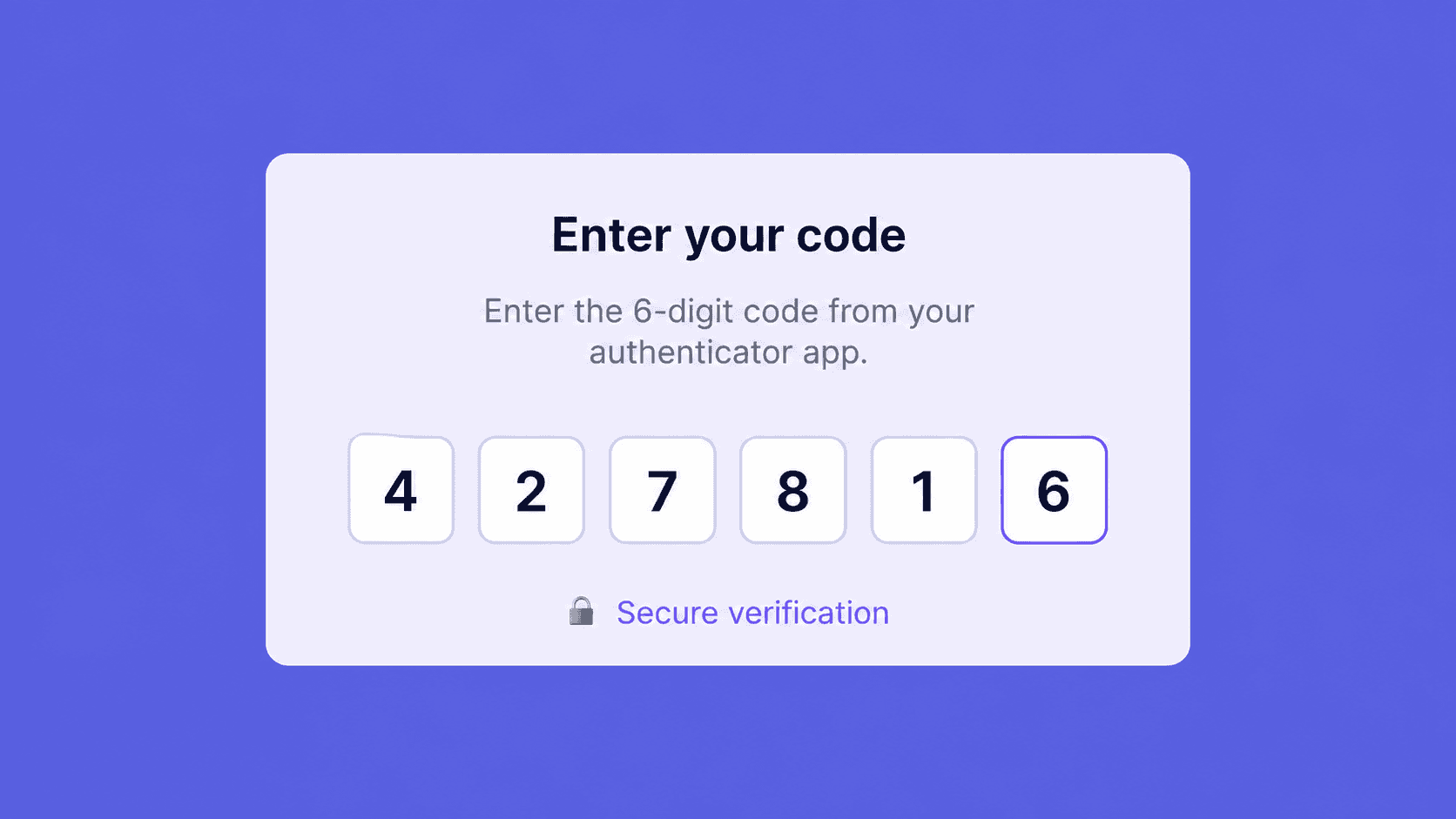
MFA is now available org-wide. Admins can require it for all users from Organization Settings > Security. Once enforcement is enabled, users are prompted to set up a second factor at their next login.
Why it matters
A compromised account on a research platform isn't just a login problem. It's access to every study, every participant recording, and every unreleased concept that's ever been shown in a session. MFA closes that exposure, and it's the security control enterprise IT teams require before approving any new SaaS tool, regardless of how much the research team wants to buy.
Used for
Enterprise teams that need to pass IT security reviews before onboarding. Organizations working toward SOC 2, GDPR, or HIPAA compliance. Any team where shared credentials are a real-world risk.
How to use it
Go to Organization Settings > Security and toggle on MFA enforcement. Users are prompted to set up their second factor at next login. Individual users can also enable MFA for themselves without waiting for admin enforcement.
Interested in learning more? Book a personalized demo today!
Book Demo